
BookTEK 5 V1A-C50
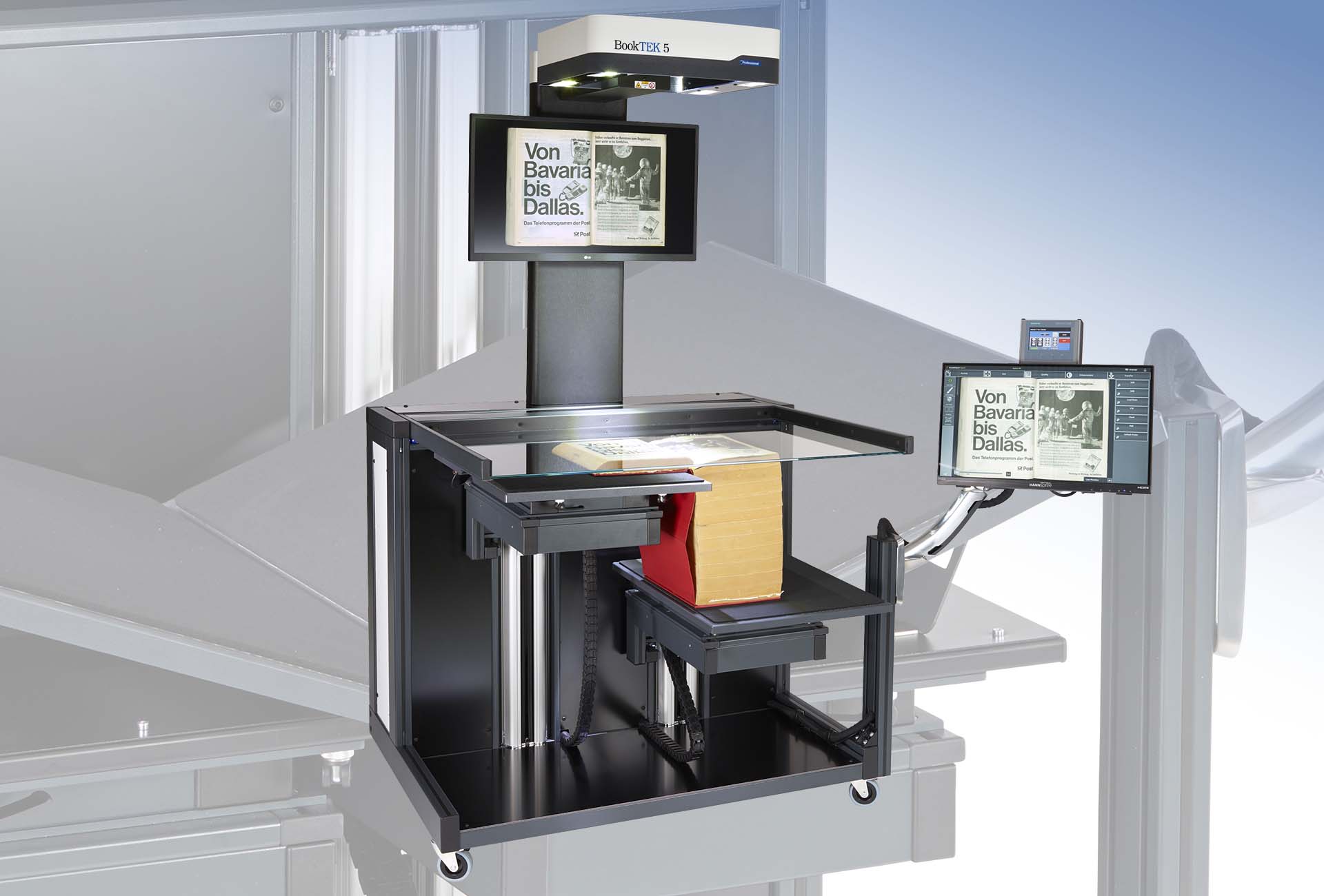
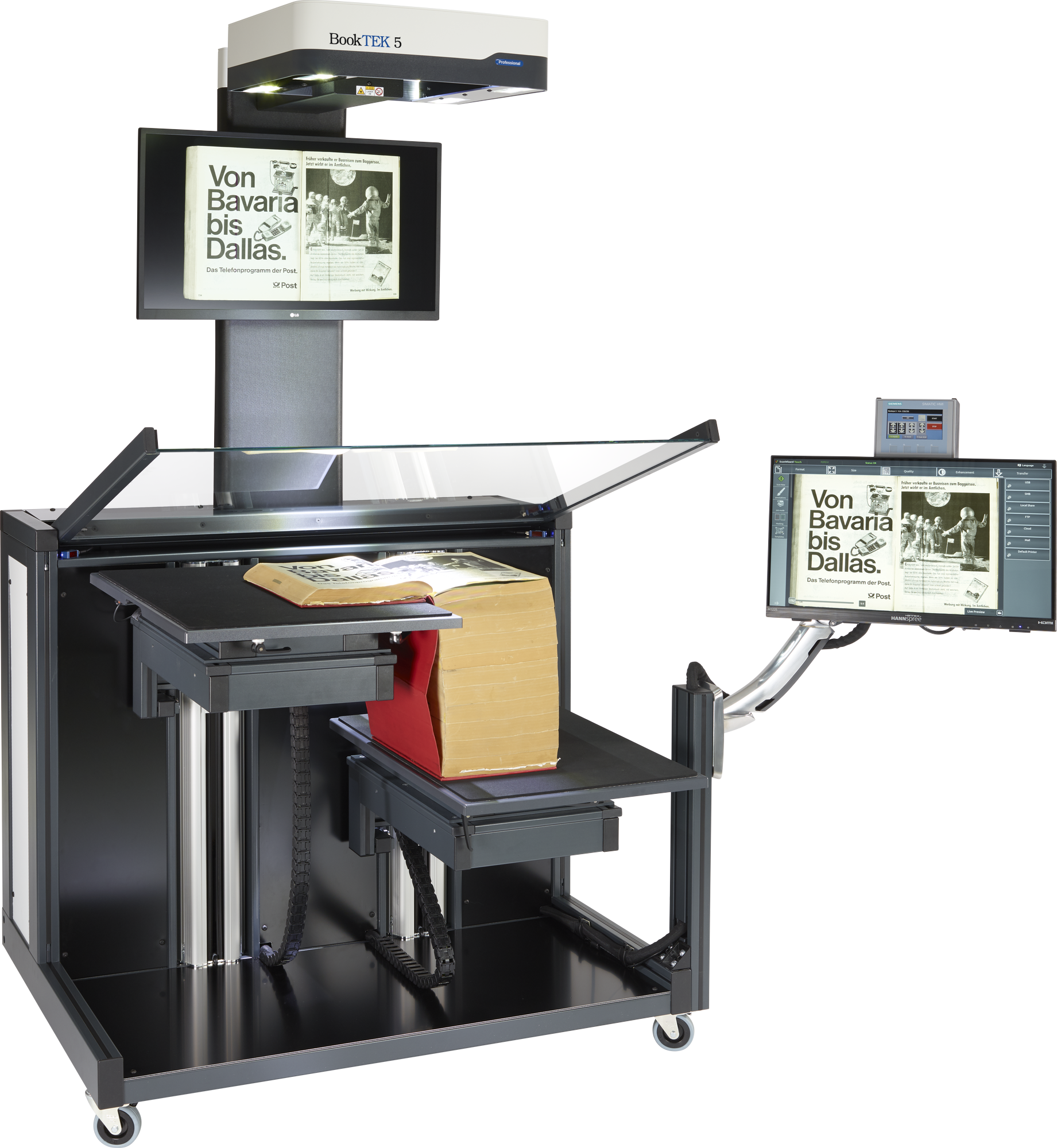
BookTEK 5 V1A-C50 is the wide format book scanner of choice for digitization projects which require formats more than DINA1+ with a thickness of up to 50cm
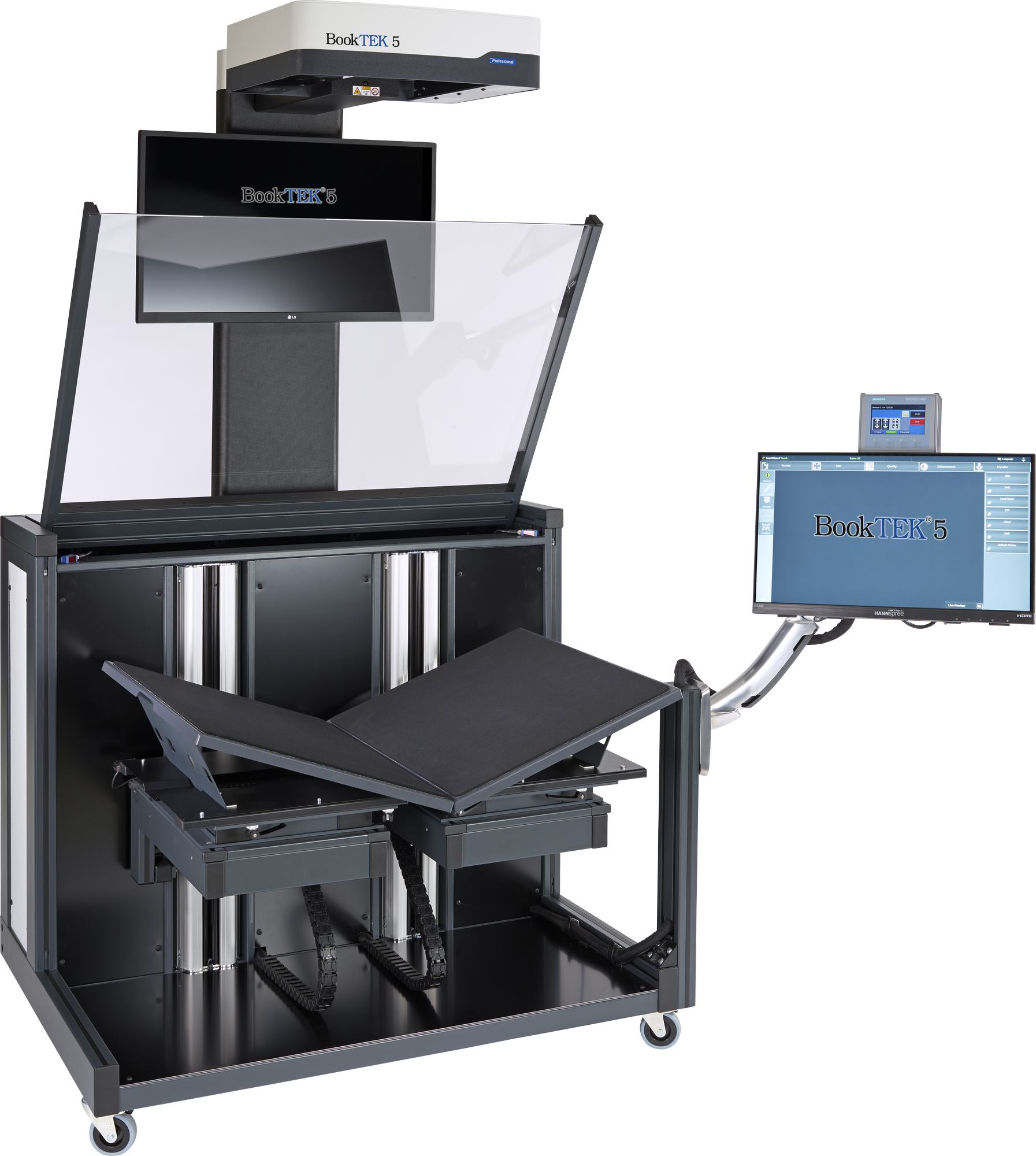
High-performance scanning for oversized originals
The BookTEK 5 V1A-C50 is designed for demanding digitization projects, combining speed, precision, and ease of use. Capable of handling originals up to A1 size and book thicknesses of 35 or 50 cm, this scanner streamlines workflows with its motorized glass plate and versatile book cradle. Whether working in fixed, glass-free, or fully automatic modes, this scanner delivers exceptional image quality for even the most challenging tasks.


Digitization in brilliant quality
A high-resolution linear CCD camera with laser-controlled autofocus precisely follows the curvature of books, scanning along the reading direction.
Even at 600 dpi with all image enhancements activated, scanning takes only 4 seconds, and the complete cycle time, including all glass plate movements, is under 8 seconds.
Motorized glass plate
The BookTEK 5 V1A-C50 features a motorized, adjustable glass plate. Its automated movements streamline the scanning process, gently lowering onto the book to apply just the right amount of pressure for high-quality scans without damaging delicate pages.


This scanner exceeds all criteria set forth in the FADGI *** and ISO 19264-1 level B guidelines.

Advanced book cradle design
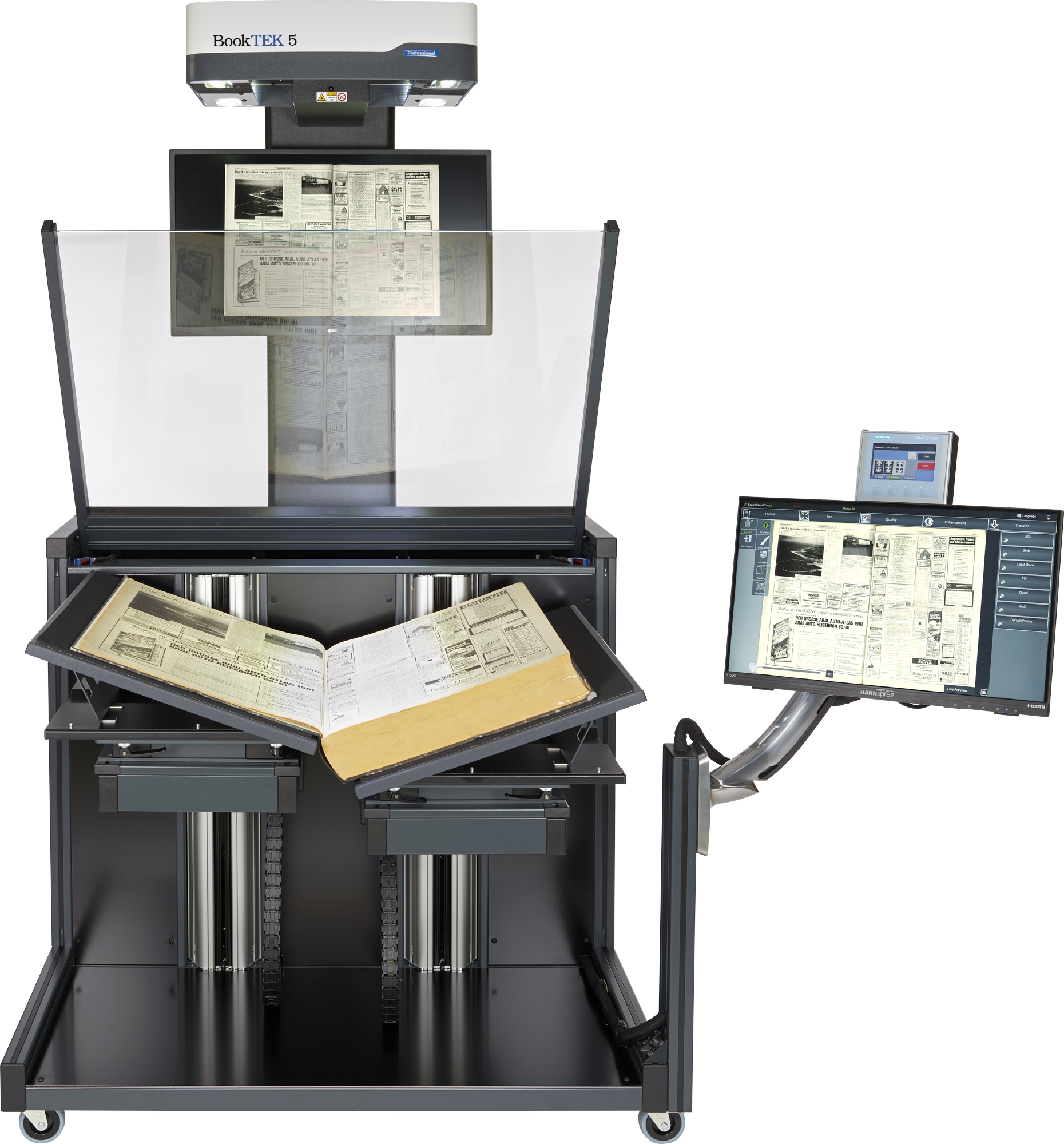
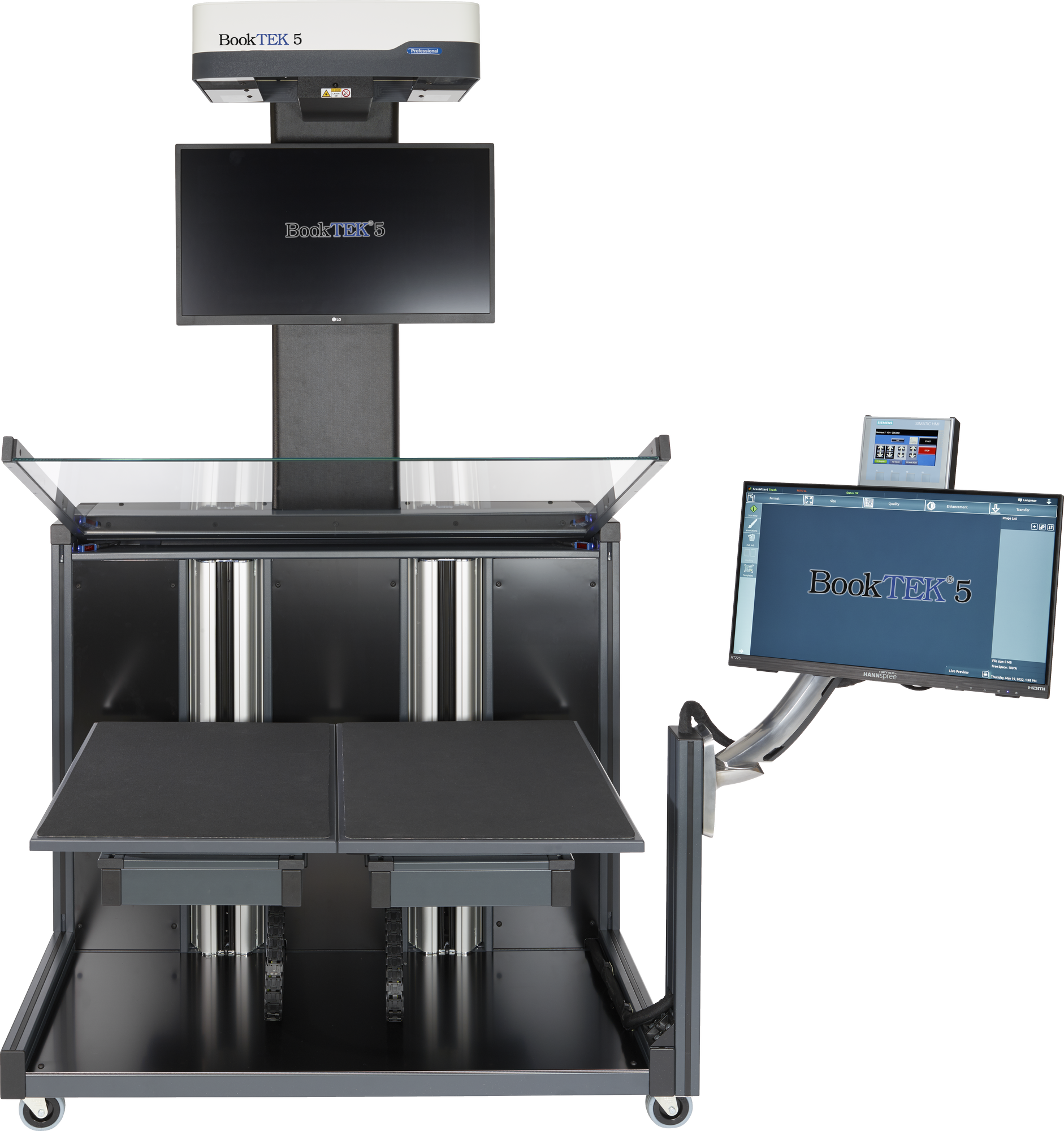
The motor-driven book cradle handles books up to 35 cm high, with an optional upgrade to 50 cm, making it perfect for digitizing standard and oversized materials. Operators can easily switch between flat mode for open books and V-mode with a 140° opening angle to protect delicate spines and bindings.
Predefined book cradle modes
The BookTEK 5 V1A-C50 Book Cradle offers predefined modes for efficient scanning of various materials. Auto Mode enables fully automated operation, Book Mode scans open books flat, and V-mode gently handles delicate volumes with a 140° opening angle, ensuring excellent results while protecting fragile materials.


Dual monitor setup
With a spacious 27-inch 4K preview monitor in front of the operator for clear, detailed scanning feedback and a 21-inch Full HD multi-touchscreen for easy operation, this setup offers optimal control and visual clarity for smooth, efficient scanning.

Powerful software
Achieve exceptional scanning results with advanced features like automatic crop and deskew, as well as virtual rescan. Depending on the device type, options like finger and thumb removal, automatic width detection, or 3D scanning for authentic digitization of textured surfaces are also available.
Our software further supports seamless copying and archiving, allowing you to send documents to various destinations, including SMB, FTP, printers, email, and cloud storage.
No compromises on security
All Image Access Scanners are based on a Linux operating system, which is extremely secure and virus-resistant. Nevertheless, the device is easy and intuitive to use and, when operated over the network, fits seamlessly into any Windows work environment.


Your interest, our expertise
Contact us now and explore a new dimension in scanning technology!
Support & Download
All documents in one place
Looking for technical specifications, setup information, or additional product materials?
Visit our Support & Downloads area to find all relevant documents for this product.
Technical Data
Technical specifications, dimensions, performance data, and configuration details
Documentation
Manuals, setup and assembly instructions, legal information and certificates
Brochures & Images
Marketing material such as brochures, folders and our Image Access product catalog