
Download Area
Access the latest manuals, and technical specifications for your Image Access equipment. Select your product family to get started.
Select Specific Product
Technical Manuals
| Format | Date | |
|---|---|---|
| 03/2026 | ||
| 04/2025 | ||
| 04/2025 | ||
| 03/2025 | ||
| 03/2025 | ||
| 03/2025 | ||
| 02/2021 |
Brochures
| Format | Date | |
|---|---|---|
| 03/2026 | ||
| 03/2026 | ||
| 06/2025 | ||
| 03/2026 | ||
| 03/2026 | ||
| 06/2025 | ||
| 06/2025 | ||
| 09/2022 |
| Format | Date | |
|---|---|---|
| 01/2026 | ||
| 01/2026 | ||
| 01/2026 |
| Format | Date | |
|---|---|---|
| 07/2020 | ||
| 06/2020 | ||
| 09/2019 | ||
| 11/2021 |
Media


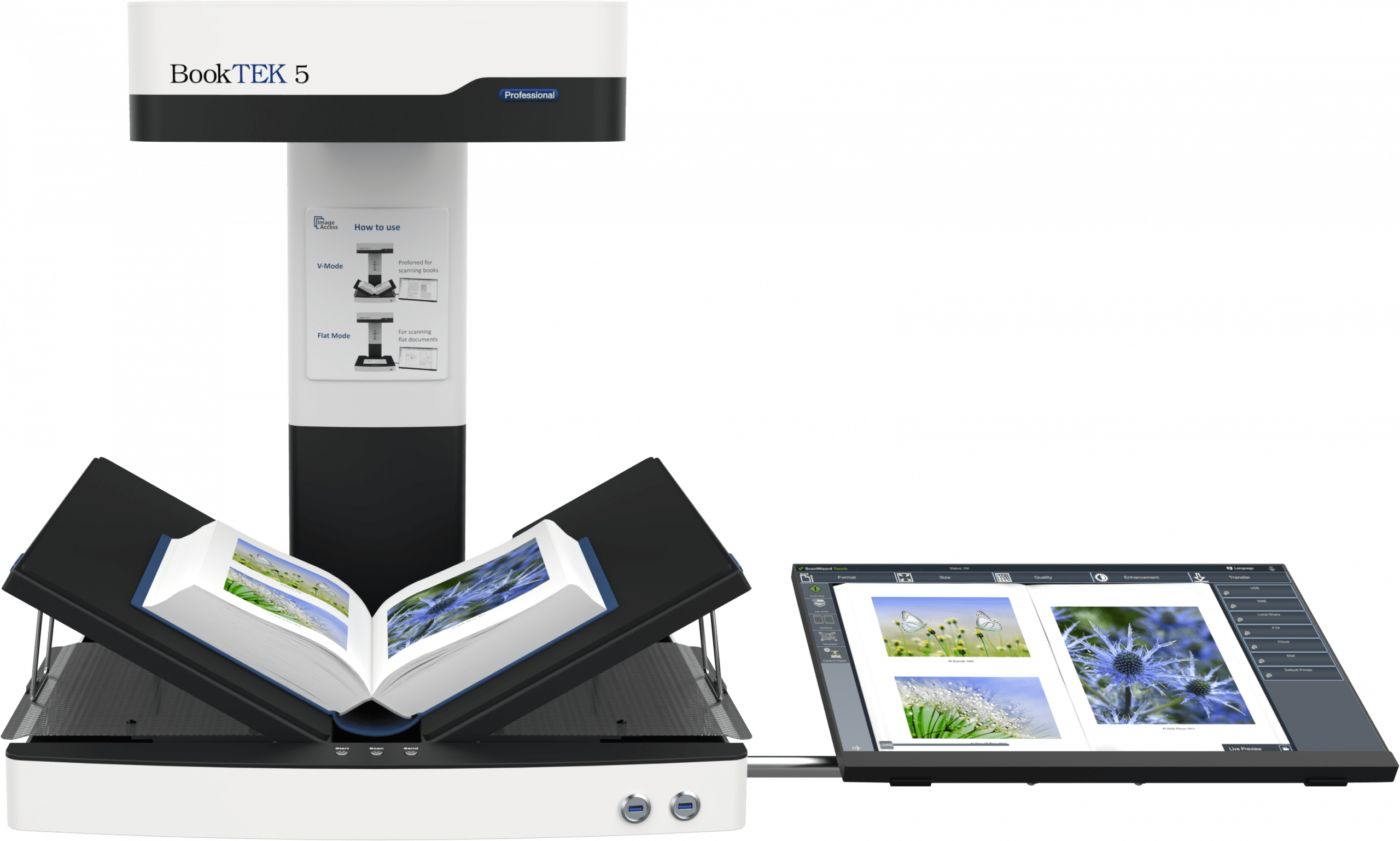
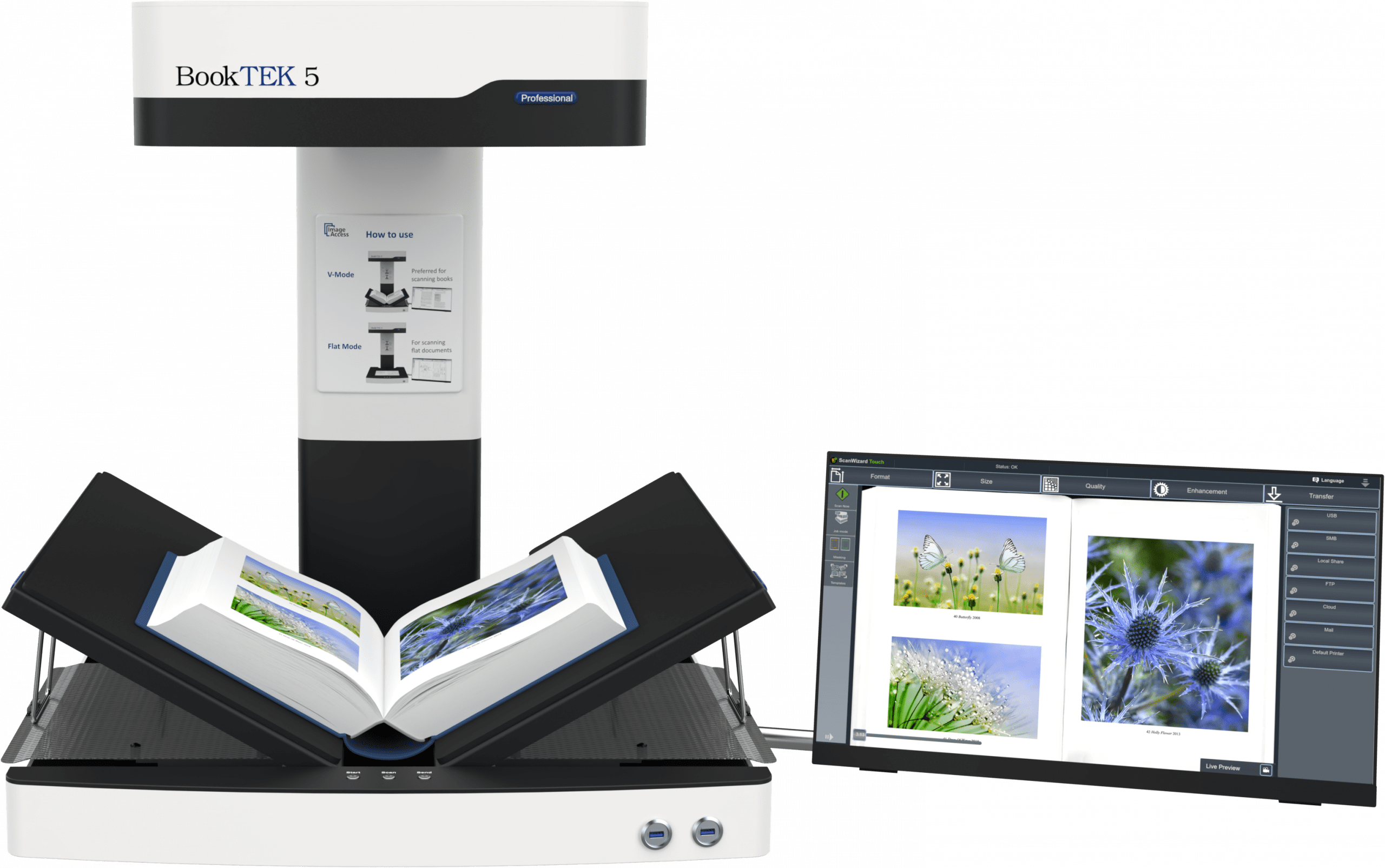

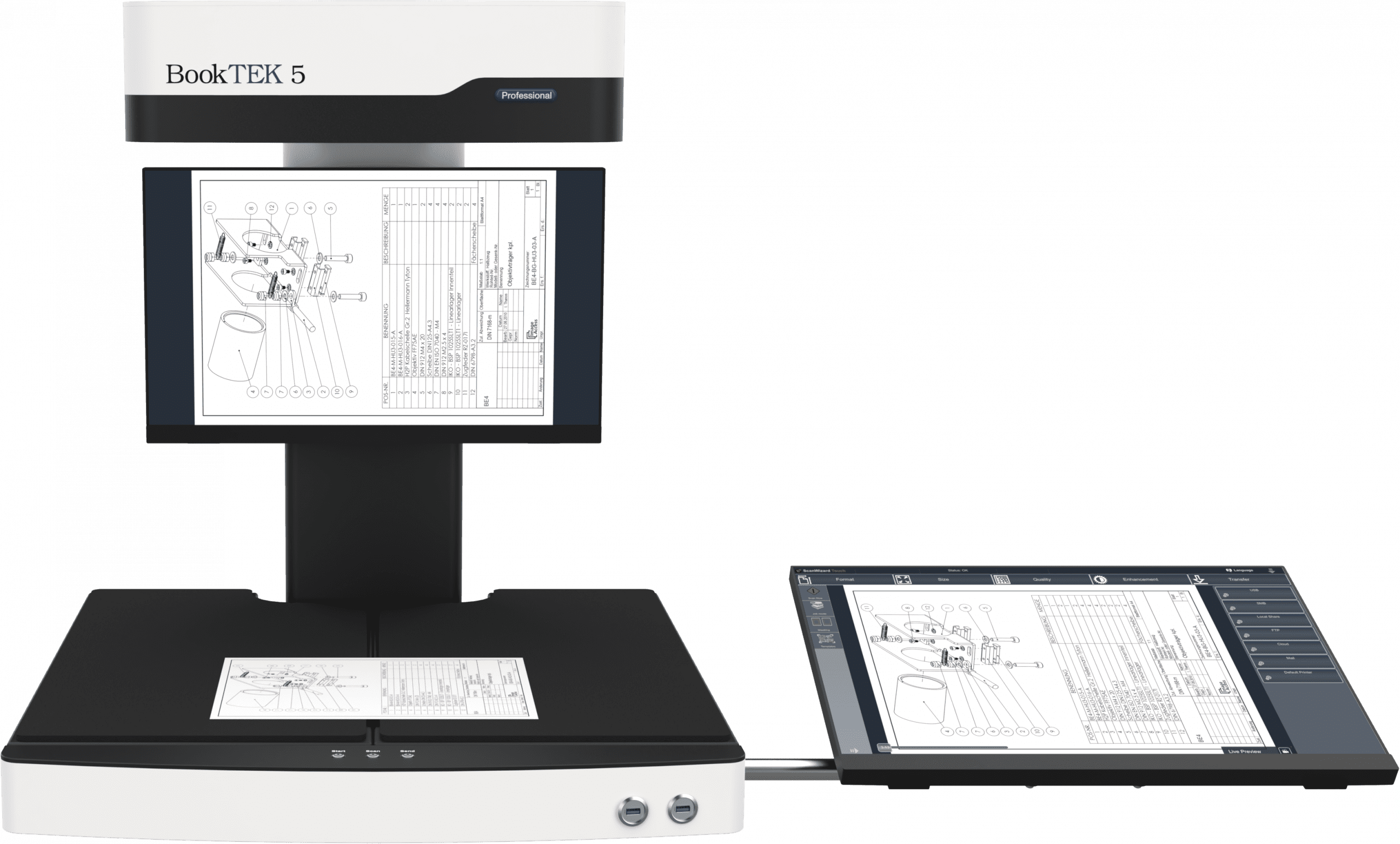


BookTEK V2/V3 Product Video
Hybrid Scanning with BookTEK 5, WideTEK & Xino S700
Hybrid scan for Archives and Authorities (German)
IT-Security of scan2Net Scanners
Scan versus Picture
Service Videos
Discover our service and instructional videos in the Customer Service Portal for maintenance, parts replacement, and other scanner-related tasks.
Watch the videos online, download them, or use them for practice in training mode.
Firmware
Download the latest firmware version available for your scanner from our Customer Service Portal.
A serial number and the current firmware version of the scanner is required.
Technical changes, errors and omissions excepted. All technical documentation is subject to change without prior notice.